This is a sample blog post designed to showcase all the beautiful typography and styling features available on this blog. Use this as a reference when writing your own posts!
Headings and Typography
Notice how headings have a subtle underline and generous spacing. The text is optimized for readability with a comfortable line-height and font size.
This is an H3 Heading
Use H3 headings for subsections within your main sections. They’re slightly smaller but still visually distinct.
And Here’s an H4
Perfect for minor subsections or categorizing smaller points.
Text Formatting
You can make text bold or italic with ease. You can also combine them for bold and italic text when you really need emphasis.
Here’s an example of inline code which has a subtle background and monospace font. Great for mentioning function names like console.log() or file paths like src/styles/global.css.
Blockquotes
“The best way to predict the future is to invent it.” — Alan Kay
Blockquotes have a beautiful emerald left border and a subtle background. They’re perfect for highlighting important quotes or key takeaways.
Lists
Unordered Lists
Here are some things I love about modern web development:
- TypeScript for type safety and better developer experience
- Astro for building fast, content-focused websites
- Tailwind CSS for rapid styling without leaving your HTML
- Dark mode support for comfortable reading at night
Ordered Lists
My top three favorite programming languages:
- Go — Simple, fast, and great for backend services
- TypeScript — JavaScript but with type safety
- Rust — For when performance really matters
Code Blocks
Here’s an example of a code block with syntax highlighting:
// A simple function to greet someone
function greet(name) {
  const message = `Hello, ${name}! Welcome to my blog.`;
  console.log(message);
  return message;
}

// Call the function
greet('Reader');
And here’s some Go code for variety:
package main

import "fmt"

func main() {
    message := "Hello from Go!"
    fmt.Println(message)
}
Links
Here’s an example of a regular link that stays within the site.
And here’s an external link to GitHub — notice the arrow indicator that shows it opens in a new tab.
Images
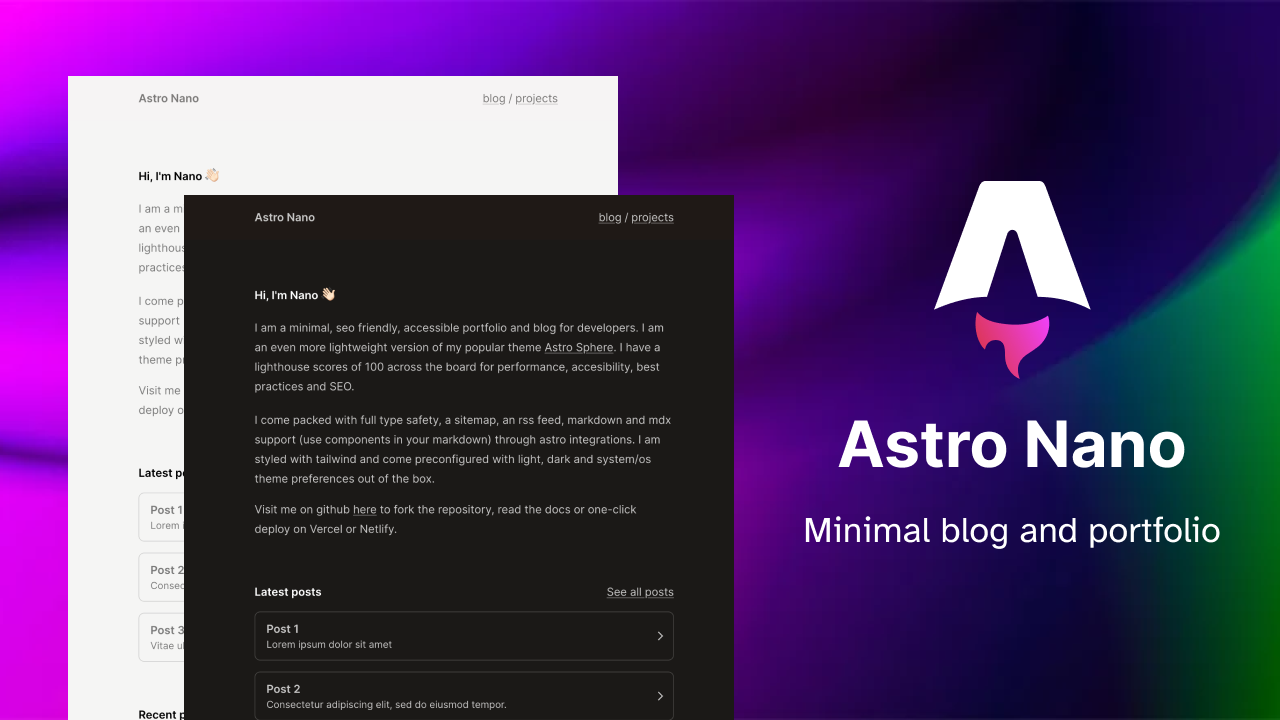
Images in blog posts are automatically centered and have rounded corners with a subtle shadow:
Putting It All Together
When you combine all these elements thoughtfully, you create blog posts that are:
- Easy to read — Clear typography and generous spacing
- Visually appealing — Emerald accents add personality without being distracting
- Scannable — Clear headings help readers find what they’re looking for
- Informative — Code blocks and lists let you share technical content effectively
Remember: Good writing is about clarity, not complexity. Use these styling features to enhance your content, not overshadow it.
Conclusion
That’s it! You’ve now seen all the styling features available for blog posts. Feel free to use this post as a reference when writing your own content.
Happy writing! ✨